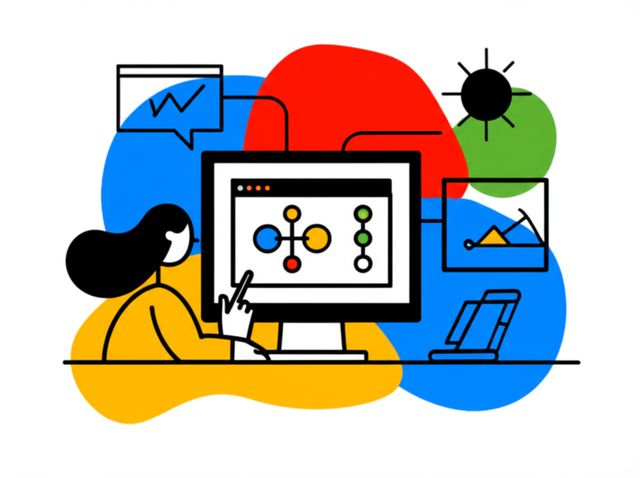
Data Binding
An Introduction to Data Binding in Software Development
Data binding is a powerful technique in software development that creates a connection between an application's user interface (UI) and its underlying data model. Essentially, it automates the synchronization of data, ensuring that when the data changes, the UI reflects that change, and in some cases, when the UI is manipulated, the underlying data is updated. This mechanism simplifies the development process, as programmers no longer need to write extensive boilerplate code to manually update UI elements or listen for UI changes to update data. It allows for a cleaner separation of concerns, making code more modular, easier to test, and more maintainable.
Working with data binding can be quite engaging. Imagine building an interactive web application where user inputs instantly update charts and summaries on the screen without a page reload; that's often data binding at work. It's also exciting to see how efficiently complex user interfaces can be managed, especially in applications with real-time data feeds, like stock tickers or live dashboards. The ability to declaratively define these relationships between data and UI elements makes development more intuitive and allows developers to focus on the core logic of their applications.
Understanding Data Binding: The Fundamentals
This section delves into the core concepts of data binding, its evolution, its crucial role in contemporary software projects, and the diverse ways it's applied across various industries. Understanding these fundamentals is key for anyone looking to work with or build modern applications.
Definition and Core Principles of Data Binding
Data binding, at its core, is the process of establishing a link between two data sources or, more commonly, between a data source (often called the "model") and a UI element (the "view"). When data in the model changes, the view that is bound to it automatically reflects these changes. Conversely, in some types of data binding, changes in the view (like user input) can automatically update the model. This synchronization eliminates the need for developers to write repetitive code to manually update the UI whenever the underlying data changes, or vice versa.