We may earn an affiliate commission when you visit our partners.
Course image
Ali Nejad, Pranav Mohan, and Sam Turton

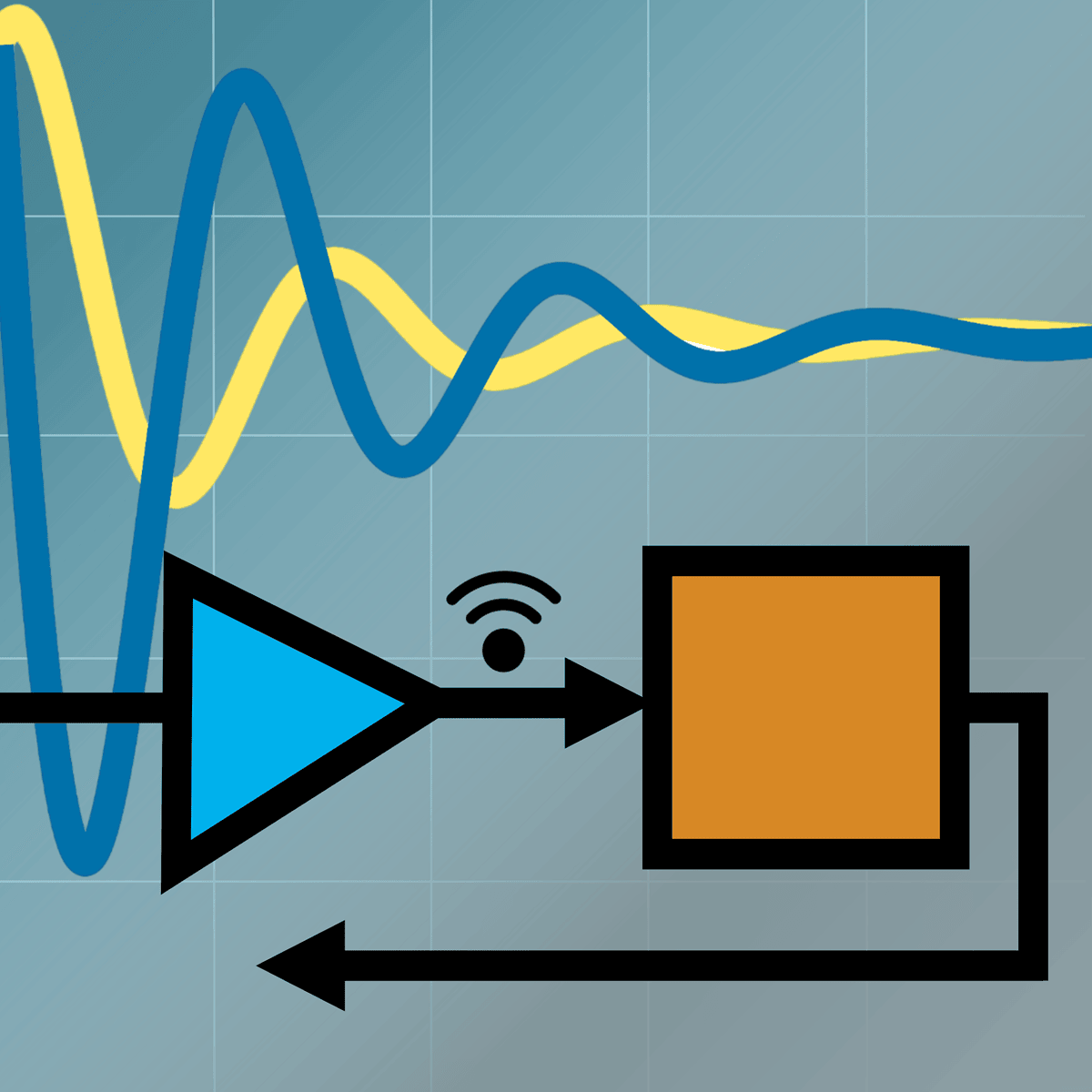
As technology advances at an unprecedented pace, engineers are challenged to design complex systems with greater efficiency and accuracy. This course teaches you skills in system modeling, simulation, and analysis using Simulink®, a modeling and simulation environment used by the words top engineering companies to design, simulate, and test systems before moving to hardware.

Read more

As technology advances at an unprecedented pace, engineers are challenged to design complex systems with greater efficiency and accuracy. This course teaches you skills in system modeling, simulation, and analysis using Simulink®, a modeling and simulation environment used by the words top engineering companies to design, simulate, and test systems before moving to hardware.

The course provides practical, project-based learning that mirrors real-world challenges. You will gain hands-on experience in creating dynamic models, simulating real-world systems, and optimizing performance, making you a valuable asset to any engineering team. Key skills you'll develop include system design, control systems, and simulation analysis.

Throughout the course, you will use Simulink, a block diagram environment used to design systems with multidomain models, simulate before moving to hardware, and deploy without writing code. You will be provided with a free Simulink license to complete your work in the course.

Whether you're an aspiring engineer or a seasoned professional, you'll acquire skills that are highly sought after in engineering fields such as automotive, aerospace, robotics, and more.

Enroll now

Here's a deal for you

Save money when you learn with a deal that may be relevant to this course.
All coupon codes, vouchers, and discounts are applied automatically unless otherwise noted.

What's inside

Syllabus

Modeling Continuous Systems
Modeling Discrete Systems
Creating Subsystems and Testing
Read more

Traffic lights

Read about what's good
what should give you pause
and possible dealbreakers
Provides hands-on experience in creating dynamic models, simulating real-world systems, and optimizing performance, which are valuable skills for engineering teams
Uses Simulink, a block diagram environment used to design systems with multidomain models and simulate before moving to hardware, which is standard in the field
Teaches system modeling, simulation, and analysis using Simulink, a modeling and simulation environment used by top engineering companies to design and test systems
Offers practical, project-based learning that mirrors real-world challenges, allowing learners to gain hands-on experience and apply their knowledge
Provides learners with a free Simulink license to complete coursework, removing a potential barrier to entry and enabling hands-on practice
Published by MathWorks, the makers of Simulink, which ensures comprehensive and expert-led instruction in using the software for modeling and simulation

Save this course

Create your own learning path. Save this course to your list so you can find it easily later.
Save

Reviews summary

Solid introduction but lacks advanced depth

According to learners, this course provides an excellent introduction to Simulink for those new to the software and its applications. Many found the lectures clear and the hands-on examples and labs highly beneficial for practical understanding. The provided Simulink license was also highlighted as a significant plus. However, students with prior modeling experience often found the material too basic and felt it lacked sufficient depth on more advanced topics or complex real-world scenarios, making it primarily suited for beginners rather than intermediate or advanced users.
Provided license is a significant benefit.
"The Simulink license provided was a huge plus."
"The free license is a great benefit."
"Thank you for providing the free Simulink license."
Directly applicable to engineering work.
"Very relevant for my work in automotive engineering."
"It directly applies to my aerospace projects."
"I learned so much about system modeling and simulation in a practical way."
Labs and examples solidify understanding.
"I especially liked the hands-on labs which solidified my understanding."
"The practical examples using Simulink were very helpful."
"The hands-on exercises were invaluable. It directly applies to my aerospace projects."
Explanations are easy to follow and understand.
"The lectures were clear and the practical examples using Simulink were very helpful."
"The explanations were easy to follow, and the Simulink license provided was a huge plus."
"The examples are clear, and the step-by-step guidance is excellent."
Perfect for those new to Simulink and modeling.
"Excellent course! ... The pacing was just right for a beginner like me, covering continuous and discrete systems effectively."
"Perfect for getting started with Simulink. The examples are clear, and the step-by-step guidance is excellent. I had no prior experience..."
"This course provided me with a solid introduction to Simulink."
Material might be slightly outdated in parts.
"However, the course material feels a bit dated in places, and I encountered a few minor issues with the lab setup instructions..."
"Some of the exercises felt like they were using older interface elements."
Too basic for users with prior experience.
"Okay course, but it's really only for absolute beginners. ... the later topics didn't go deep enough."
"Disappointed. The course is too basic. I was expecting more depth in control systems modeling. The examples were too simple..."
"If you know nothing about Simulink, it's probably fine, but don't expect advanced techniques."

Activities

Be better prepared before your course. Deepen your understanding during and after it. Supplement your coursework and achieve mastery of the topics covered in Modeling and Simulation with Simulink with these activities:
Review Control Systems Fundamentals
Strengthen your understanding of control systems concepts, which are fundamental to modeling and simulating dynamic systems in Simulink.
Browse courses on Control Systems
Show steps
  • Review basic control system terminology.
  • Practice designing simple controllers.
Explore Simulink Onramp
Familiarize yourself with the Simulink environment and basic modeling techniques through the official MathWorks interactive tutorial.
Show steps
  • Access Simulink Onramp through the MathWorks website.
  • Complete all modules in the tutorial.
Model a Simple Pendulum
Apply your Simulink skills to model a classic physics problem, reinforcing your understanding of continuous system modeling.
Show steps
  • Research the equations of motion for a pendulum.
  • Create a Simulink model using integrator blocks.
  • Simulate the model and analyze the results.
Four other activities
Expand to see all activities and additional details
Show all seven activities
Document Your Simulink Models
Improve your understanding of Simulink models by creating detailed documentation that explains the model's structure, functionality, and assumptions.
Show steps
  • Choose a Simulink model you have created.
  • Write a document describing the model's purpose.
  • Explain the function of each block in the model.
Read 'System Simulation with Digital Computer'
Gain a deeper understanding of the underlying principles of system simulation to enhance your Simulink modeling skills.
View Melania on Amazon
Show steps
  • Read the chapters on continuous and discrete simulation.
  • Take notes on key concepts and algorithms.
Simulate Provided Simulink Models
Practice your Simulink skills by simulating a variety of pre-built models and analyzing their behavior.
Show steps
  • Download Simulink models from MathWorks website.
  • Run simulations and observe the results.
  • Modify model parameters and analyze the impact.
Read 'Mastering Simulink'
Deepen your knowledge of Simulink and explore advanced modeling techniques to tackle complex engineering problems.
Show steps
  • Read chapters on advanced modeling techniques.
  • Experiment with the examples provided in the book.

Career center

Learners who complete Modeling and Simulation with Simulink will develop knowledge and skills that may be useful to these careers:
Simulation Engineer
A Simulation Engineer creates and runs simulations to analyze and improve system performance in a variety of contexts. This course provides the needed background in system modeling, simulation and analysis using Simulink. You will gain hands-on experience simulating real world systems, and optimizing performance, which a Simulation Engineer uses on a daily basis. This course provides you with the ability to design systems with multidomain models and test them without writing code, mirroring the tasks that a Simulation Engineer completes in their career. The course may be useful to start or advance a career in the field.
Control Systems Engineer
A Control Systems Engineer focuses on designing, developing, and testing control systems for various applications. This course directly aids in this career through its focus on control systems and the usage of Simulink, a block diagram environment used in designing and simulating control systems. This course specifically develops your skills in system design and simulation analysis. This course also provides a hands-on learning environment to mirror real-world challenges, which will give you experience in how a Control Systems Engineer works. You can also create and test your models immediately with the free Simulink license.
Systems Engineer
A Systems Engineer designs and manages complex systems, ensuring that all components work together effectively. This course helps you gain a deeper understanding of system modeling and simulation using Simulink, a valuable tool for any systems engineer. This course provides opportunities to create dynamic models, simulate real world systems, and optimize performance, which are skills a systems engineer uses on the job. You will use this skill to test the real world application of new systems using simulation, without a need to build in hardware first. Practicing these skills in this course will prepare you to enter the role and to continue to advance in the field.
Robotics Engineer
A Robotics Engineer designs, builds, and tests robots and robotic systems. This course allows you to model and simulate systems as a means to prepare for hardware implementation, which is a daily task of a Robotics Engineer. Using Simulink, which is used by many of the world's top engineering companies, you will gain skills in system design, and control systems. The skills gained in this course in simulating real world systems may be useful to help you start or advance your career as a Robotics Engineer, using a methodology already used in the field.
Aerospace Engineer
An Aerospace Engineer designs, develops, and tests aircraft, spacecraft, and related systems. This course helps to build a foundation in system modeling and simulation, which is essential for any Aerospace Engineer. The course provides the ability to design systems, and simulate their performance using Simulink, a tool used by top engineering companies, and provides practical, project-based learning that mirrors real-world challenges. Skills gained in this course may be useful for you as an Aerospace Engineer in both research, or industry applications.
Product Development Engineer
A Product Development Engineer is involved in the entire lifecycle of a product, from conception to launch. This course provides relevant knowledge in system design, and simulation analysis using Simulink, which is a tool used by many industry leaders. A Product Development Engineer will often use simulation to test their prototypes and optimize performance, before moving to hardware, skills that you can practice in this course. This course may be useful for starting or progressing in the field.
Mechatronics Engineer
A Mechatronics Engineer integrates mechanical, electrical, and computer systems to design and develop automated systems. This course teaches you how to model systems, and simulate their performance using Simulink. This tool is valuable for Mechatronics Engineers, because they often need to simulate their designs before building physical prototypes. The course provides hands on experience in modeling dynamic systems, and optimizing performance, which may help to secure a role as a Mechatronics Engineer.
Automotive Engineer
An Automotive Engineer designs and develops vehicles and their components. This course may be useful to learn the skills of system modeling and simulation that Automotive Engineers use to test systems before moving to hardware. The course allows you to gain hands-on experience creating dynamic models and optimizing system performance, which may be helpful to entering a career as an Automotive Engineer. This course also allows you to access a free Simulink license, and gives you a convenient means to model and test automotive systems from your personal computer.
Research Engineer
A Research Engineer conducts research and develops new technologies, products, and processes. This course provides a practical and project-based introduction to modeling and simulation using Simulink, a tool used by top engineering companies for research and development. The ability to create dynamic models, simulate real-world systems, and optimize performance, which you'll learn in this course, is critical for research in many fields. This course may be useful for starting or advancing a career as a Research Engineer.
Embedded Systems Engineer
An Embedded Systems Engineer designs, develops, and tests embedded systems, which are computer systems with a dedicated function within a larger system, such as a car or a robot. This course uses the simulation software, Simulink, which provides an environment for system design with multidomain models. You will gain experience simulating systems before moving to hardware, without writing code, which an Embedded Systems Engineer will find useful. This course may be useful for starting or advancing a career in the field.
Design Engineer
A Design Engineer creates plans and specifications for products, systems, or infrastructure. This course introduces system modeling and simulation using Simulink, which allows a Design Engineer to model their ideas before developing the physical prototype. Design Engineers benefit from the ability to test multidomain models without needing to test with hardware, which is a key feature of this software, and a skill that you will develop throughout this course. This may be useful to someone in a Design Engineer role.
Mechanical Engineer
A Mechanical Engineer designs, develops, and manufactures mechanical devices and systems. This course allows you to create dynamic models, simulate real-world systems, and optimize performance, using the Simulink environment. A Mechanical Engineer uses simulation to test the real world feasibility of a proposed device or system. The hands-on learning in this course will give you the experience to design, and test systems in a method that is commonly used in industry, and may be useful to advance a career in this field.
Manufacturing Engineer
A Manufacturing Engineer develops and optimizes processes for producing goods efficiently and cost-effectively. This course provides hands-on experience in system modeling and simulation with Simulink, which is a tool used to test manufacturing systems before physical implementation. Learning how to design and simulate dynamic systems, which you can learn in this course, may help you in your manufacturing role. The skills learned in this course may be useful to your career as a Manufacturing Engineer.
Test Engineer
A Test Engineer develops and conducts tests on systems and products to ensure they meet quality and performance standards. This course provides background in simulation, using Simulink, before physical testing, which is a crucial part of a Test Engineer's workflow. In this course, you develop experience designing and testing systems with multidomain models, and you can simulate these systems before moving to hardware, which may be useful as a Test Engineer. This course may help with a career in the field.
Automation Engineer
An Automation Engineer designs, develops, and implements automated systems and processes to improve efficiency and productivity. This course provides an introduction to system modeling and simulation with Simulink, which is a tool also used by many leading engineering companies. The ability to design systems, test their performance, and optimize them before implementation, is crucial in the field of automation, and this skill is developed in this course. This course may be useful for an Automation Engineer.

Reading list

We've selected two books that we think will supplement your learning. Use these to develop background knowledge, enrich your coursework, and gain a deeper understanding of the topics covered in Modeling and Simulation with Simulink .
Provides a comprehensive guide to advanced Simulink techniques, including model-based design, code generation, and real-time simulation. It covers various applications of Simulink in different engineering domains, offering practical examples and case studies. This book is commonly used as a textbook at academic institutions and by industry professionals. It adds more depth to the existing course.

Share

Help others find this course page by sharing it with your friends and followers:

Similar courses

Similar courses are unavailable at this time. Please try again later.
Our mission

OpenCourser helps millions of learners each year. People visit us to learn workspace skills, ace their exams, and nurture their curiosity.

Our extensive catalog contains over 50,000 courses and twice as many books. Browse by search, by topic, or even by career interests. We'll match you to the right resources quickly.

Find this site helpful? Tell a friend about us.

Affiliate disclosure

We're supported by our community of learners. When you purchase or subscribe to courses and programs or purchase books, we may earn a commission from our partners.

Your purchases help us maintain our catalog and keep our servers humming without ads.

Thank you for supporting OpenCourser.

© 2016 - 2025 OpenCourser