We may earn an affiliate commission when you visit our partners.
Course image
Autodesk

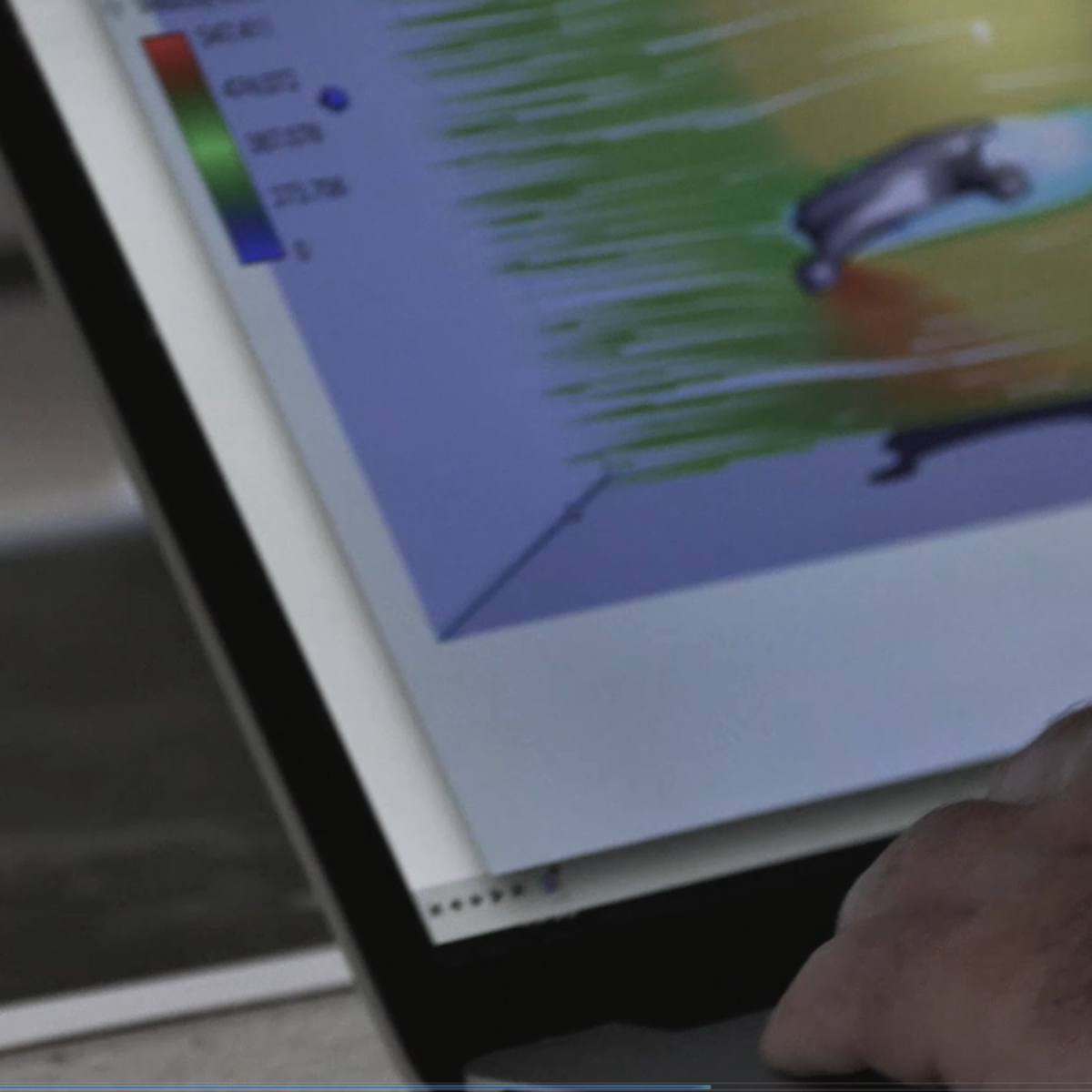
This course provides a deeper exploration of mechanical assemblies and simulation, which are key engineering features of the design and manufacturing process. The foundation of engineering design is exploration and iteration. Design is rarely a perfectly linear and straightforward process. In this course, we'll explore mechanical assembly design and simulation, focusing on testing and improving design components and performance. As we move through design assumptions, testing, and refining design ideas, we'll come closer to a final design, while developing a deeper knowledge in Autodesk® Fusion 360™ for simulating and analyzing product functionality.

Read more

This course provides a deeper exploration of mechanical assemblies and simulation, which are key engineering features of the design and manufacturing process. The foundation of engineering design is exploration and iteration. Design is rarely a perfectly linear and straightforward process. In this course, we'll explore mechanical assembly design and simulation, focusing on testing and improving design components and performance. As we move through design assumptions, testing, and refining design ideas, we'll come closer to a final design, while developing a deeper knowledge in Autodesk® Fusion 360™ for simulating and analyzing product functionality.

After completing this course, you will be able to:

• Describe the engineering design process and workflow in Fusion 360.

• Summarize the trends that are influencing the design industry.

• Demonstrate knowledge and skills in more advanced Fusion 360 CAD and simulation skills

Looking for Autodesk Fusion 360 certification prep courses? Check out additional learning resources to help you uplevel your skills: https://www.autodesk.com/learning

Enroll now

Here's a deal for you

Save money when you learn with a deal that may be relevant to this course.
All coupon codes, vouchers, and discounts are applied automatically unless otherwise noted.

What's inside

Syllabus

Design Optimization
Just because a design looks complete, doesn’t mean that it’s done. Often times you will go through dozens of revisions before achieving the final result. We'll explore ways to optimize the strength and reduce the weight of our quadcopter design, and we'll pull from experience to help guide design decisions.
Read more

Traffic lights

Read about what's good
what should give you pause
and possible dealbreakers
Expands on knowledge gained from the introductory, beginner course in Autodesk Fusion 360
For those who seek proficiency in mechanical assemblies and simulation in engineering design
Teaches learners how to test and refine design ideas
Teaches design optimization techniques for strength and weight reduction
Develops knowledge of static simulation for identifying design weaknesses
Develops skills in creating assembly motion for simulating real-world motion within designs

Save this course

Create your own learning path. Save this course to your list so you can find it easily later.
Save

Reviews summary

Practical engineering design with fusion 360

According to learners, this course offers a solid practical introduction to the engineering design process using Autodesk Fusion 360. Students particularly appreciate the hands-on approach and the real-world application demonstrated through the project examples, finding them helpful for learning simulation and assembly features. While the course is generally well-received, some learners noted that prior experience with Fusion 360 or CAD software is beneficial, and a few wished for deeper coverage on advanced simulation topics. Overall, it's considered a valuable course for gaining practical skills in using Fusion 360 for design validation and optimization.
Provides a solid foundation for simulation and assembly.
"It was a good introduction to simulation and mechanical assemblies."
"I learned the basics of validating designs using static simulation."
"Covers the essential tools for assembly and motion studies."
Hands-on projects effectively teach key concepts.
"The projects really helped solidify my understanding of the concepts."
"I liked the practical assignments, putting theory into practice."
"Applying the design process to a real example was very useful."
Some wished for more advanced simulation.
"Could use more in-depth coverage on complex simulation setups."
"The static simulation part felt a bit basic."
"Wish there were examples of dynamic simulation or optimization types."
Course is easier with prior CAD knowledge.
"Would recommend having some basic CAD experience before starting."
"Might be challenging if you're completely new to Fusion 360."
"Prior knowledge of 3D modeling makes following along smoother."

Activities

Be better prepared before your course. Deepen your understanding during and after it. Supplement your coursework and achieve mastery of the topics covered in Engineering Design Process with Autodesk Fusion 360 with these activities:
Review 3D modeling basics
Sharpen your grasp of the core concepts of 3D modeling and interface of Fusion 360 to set a solid foundation for the course.
Browse courses on Design Optimization
Show steps
  • Reread your notes or textbooks on basic 3D modeling principles.
  • Review video tutorials on essential tools and workflows in Fusion 360.
  • Run through a couple of basic modeling exercises to refresh your hands-on skills.
Form a study group with classmates
Enhance your understanding by collaborating with peers, discussing concepts, and working through problems together.
Show steps
  • Reach out to classmates and form a study group.
  • Establish regular meeting times and decide on discussion topics.
  • Take turns presenting concepts to the group and facilitate discussions.
Follow guided tutorials on advanced Fusion 360 techniques
Enhance your proficiency in Fusion 360 by exploring advanced tutorials tailored to mechanical assemblies and simulation.
Show steps
  • Find online tutorials covering specific aspects of mechanical design and simulation in Fusion 360.
  • Follow the tutorials step-by-step, applying the techniques to your own projects.
  • Experiment with different settings and parameters to gain a better understanding of their impact.
Three other activities
Expand to see all activities and additional details
Show all six activities
Design a simple mechanical assembly
Put your Fusion 360 skills to the test by designing and simulating a simple mechanical assembly, reinforcing the concepts learned in the course.
Show steps
  • Identify a simple mechanical assembly that you would like to design.
  • Create a sketch of the assembly, including all the necessary components and connections.
  • Build the assembly in Fusion 360, following best practices for mechanical design.
  • Simulate the assembly to analyze its performance and identify any potential issues.
Volunteer in a makerspace or engineering lab
Gain practical experience and connect with professionals in the field by volunteering at a makerspace or engineering lab.
Browse courses on Hands-on Experience
Show steps
  • Research local makerspaces or engineering labs that offer volunteer opportunities.
  • Contact the organization and inquire about volunteer roles.
  • Volunteer regularly, assisting with projects or providing technical support.
  • Network with other members and learn from their experiences.
Attend workshops on advanced Fusion 360 topics
Deepen your knowledge and skills by attending workshops led by industry experts specializing in advanced Fusion 360 topics.
Show steps
  • Identify workshops relevant to your interests and learning goals.
  • Register for the workshops and make prior arrangements to attend.
  • Actively participate in the workshops, taking notes and asking questions.

Career center

Learners who complete Engineering Design Process with Autodesk Fusion 360 will develop knowledge and skills that may be useful to these careers:
Mechanical Engineer
This course in Engineering Design Process with Autodesk Fusion 360 is appropriate for boosting your knowledge in mechanical engineering. By focusing on assembly design and simulation, you will build a foundation in simulation and analysis essential for mechanical engineers to ensure a product's quality.
Product Designer
The course will lay a foundation for you in the mechanical assembly design and simulation critical to developing new products. Product designers often use design software that includes simulation and analysis capabilities, so this would be an excellent course for you to enhance your skills.
Design Engineer
As a design engineer, you will be involved in product development from conceptualization to completion. Understanding advanced design software, such as Autodesk Fusion 360, is critical for design engineers to ensure product quality. The course's focus on assembly design and simulation will be of great help to you.
Manufacturing Engineer
This course can help you gain a competitive edge in the field of manufacturing engineering. The course covers advanced design software that manufacturing engineers often use, and it delves into assembly design and simulation, which are critical skills for manufacturing engineers to analyze product functionality.
CAE Engineer
This course may be useful for someone interested in computer-aided engineering. You will learn advanced design software and its capabilities for simulation and analysis, both of which are necessary skills for CAE engineers to validate product designs.
R&D Engineer
This course may be useful for those interested in a career as a research and development engineer. The course will teach the use of advanced design software and its capabilities for simulation and analysis, both of which are in great demand for R&D engineers.
Quality Control Engineer
This course may be useful for someone interested in quality control engineering. The course teaches how to use advanced design software for simulation and analysis to validate product designs, ensuring they meet quality standards.
Project Manager
This course may be useful for you if you're seeking a career as a project manager in engineering or design. The course teaches how to use advanced design software that project managers often oversee.
Technical Writer
This course may be useful to aspiring technical writers specializing in engineering or design. The course teaches you how to use advanced design software, which you may need to understand and describe for documentation purposes.
Sales Engineer
This course may be useful for anyone interested in sales engineering. The course will teach how to use advanced design software, which you may need to understand and explain to clients.
Industrial Designer
This course may be useful for aspiring industrial designers who wish to specialize in product design. The course will teach how to use advanced design software and its capabilities for simulation and analysis.
Architect
This course may be useful for those seeking a career in architecture or architectural engineering. The course will teach how to use advanced design software for simulation and analysis, which is increasingly used in the architecture and construction industries.
Civil Engineer
This course may be useful for those seeking a career in civil engineering. The course teaches how to use advanced design software for simulation and analysis, which is increasingly used in the civil engineering industry.
Aerospace Engineer
This course may be useful for those seeking a career in aerospace engineering. The course teaches how to use advanced design software for simulation and analysis, which is essential for aerospace engineers.
Biomedical Engineer
This course may be useful for those seeking a career in biomedical engineering. The course teaches how to use advanced design software for simulation and analysis, which is necessary for biomedical engineers.

Reading list

We've selected seven books that we think will supplement your learning. Use these to develop background knowledge, enrich your coursework, and gain a deeper understanding of the topics covered in Engineering Design Process with Autodesk Fusion 360.
Shigley's Mechanical Engineering Design is one of the most famous engineering design textbooks. While broad in coverage, it is an excellent reference source for mechanical design engineers. It is particularly useful for information on materials, failure prevention, and design for manufacturing.
Approaches the mechanical design process from a component-based approach. The book contains a wealth of essential information regarding materials, component selection, and failure analysis. It is an excellent handbook for practicing mechanical engineers.
Takes a systematic approach to the engineering design process, focusing on both the technical aspects as well as the business and ethical implications.
If you are looking for an engineering design book that is built around the SolidWorks software, this book great option. is an excellent resource for learning about SolidWorks and how to apply it.
Is geared specifically towards mechanical engineers and designers who use Pro/ENGINEER.
Is meant for engineers and designers with basic knowledge of CATIA.

Share

Help others find this course page by sharing it with your friends and followers:

Similar courses

Similar courses are unavailable at this time. Please try again later.
Our mission

OpenCourser helps millions of learners each year. People visit us to learn workspace skills, ace their exams, and nurture their curiosity.

Our extensive catalog contains over 50,000 courses and twice as many books. Browse by search, by topic, or even by career interests. We'll match you to the right resources quickly.

Find this site helpful? Tell a friend about us.

Affiliate disclosure

We're supported by our community of learners. When you purchase or subscribe to courses and programs or purchase books, we may earn a commission from our partners.

Your purchases help us maintain our catalog and keep our servers humming without ads.

Thank you for supporting OpenCourser.

© 2016 - 2025 OpenCourser